
Mahjong Chow vs Pung Live Tile Calculator
See How to Use the Calculator below.
Chow vs Pung Live Tile Calculator
Shows live tiles and next-draw odds — a teaching tool for hand decisions
Next Draw Chow Odds
—
Next Draw Pung Odds
—
Tiles remaining
84
Best choice
—
Chow — two tiles you hold
Count all visible copies of your completing tile(s) — in discards, opponents’ melds, or your own hand.
Pung — two identical tiles you hold
Count all visible copies of your third tile — in discards, opponents’ melds, or your own hand.
Starts at 84 tiles (136 total − 52 in all four hands). Adjust as more tiles are drawn from the wall.
* Odds shown are next self-draw probabilities only and do not include completion chances from opponent discards, which would increase your actual odds.
How to Use This Calculator
This tool helps you compare the likelihood of completing a Chow versus a Pung based on the number of live tiles remaining in the wall.
Step 1: Configure Your Chow
Select the suit and wait type that matches your hand.
Open Wait:
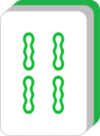
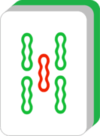
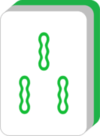
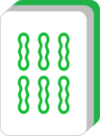
Edge Wait:

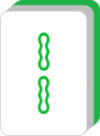
Closed Wait (Kanchan):
Then select the first tile value that matches your hand. The calculator will automatically show you which completing tiles you need and how many live copies remain.
Step 2: Enter Tiles You Can See
Enter the number of completing tiles that are already visible on the table. Visible tiles include discarded tiles in the discard pool, exposed melds from any player (Chows, Pungs, or Kongs), and known copies in your own hand. The more visible copies you can account for, the fewer live tiles remain in the wall — and the lower your odds of completing on the next draw.
Step 3: Configure Your Pung
Select the suit and value of the tile you hold two copies of, then enter how many additional copies are already visible. For example, if you hold

Step 4: Adjust Remaining Tiles
The calculator starts at 84 tiles remaining, which reflects the wall after all four players have received their opening hand (136 total minus 52 dealt). As the round progresses and more tiles are drawn from the wall, use the Extra Tiles Drawn slider to keep the count accurate.
Understanding the Results
Next Draw Chow Odds show the probability of drawing a completing tile for your Chow on your very next self-draw. Next Draw Pung Odds show the same for your Pung. The Best Choice recommendation compares both structures based on live tiles available and flags when it’s time to pivot. Use this during practice sessions to build the instinct for when a wait is still worth holding and when it’s time to cut and restructure.
Key Strategy Lesson
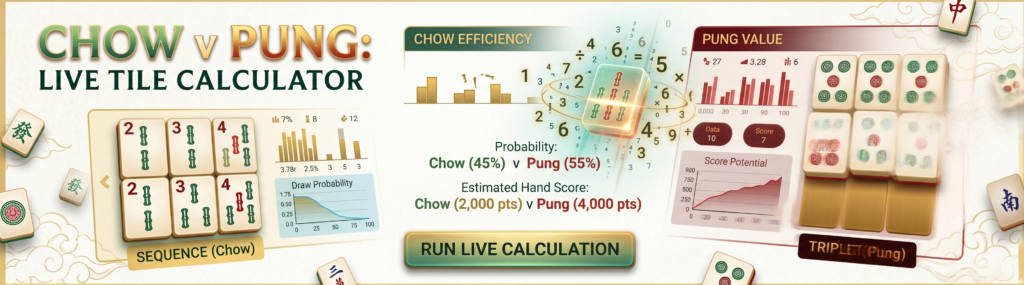
In most situations, Chows complete more easily than Pungs because they benefit from more live tile candidates — up to eight for a two-sided open wait versus just two for a Pung. However, a Pung may still be the better strategic choice if it contributes to a valuable scoring pattern such as All Pungs, Half Flush, or Full Flush. When the odds are close, let your target scoring pattern make the final call.
Odds shown are next self-draw probabilities only and do not include completion chances from opponent discards, which would increase your actual odds.